Company overview
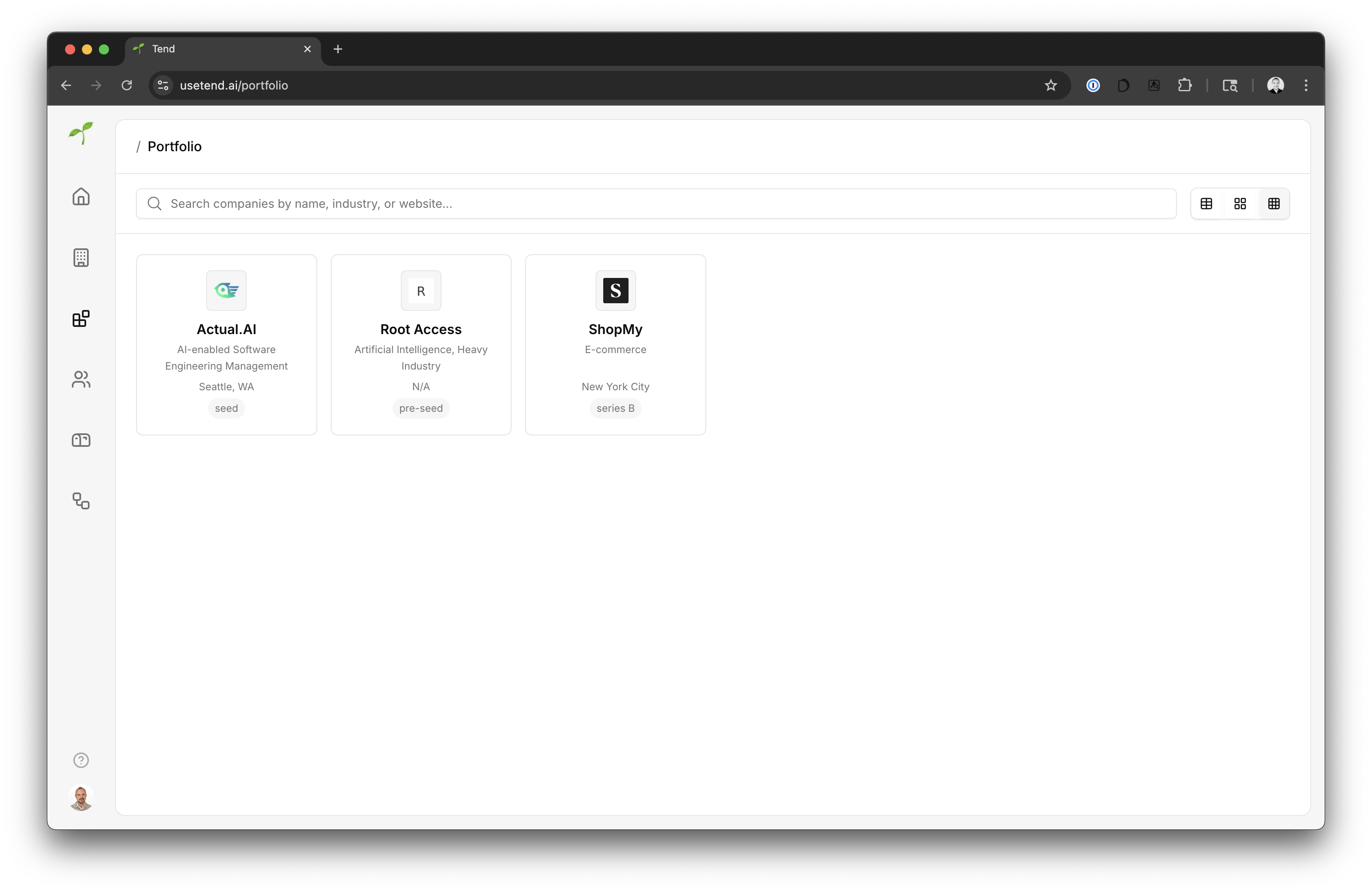
Once a company is added to the company database, and you have added it to your portfolio, you are able to get an overview of the company details such as industry, summary, etc.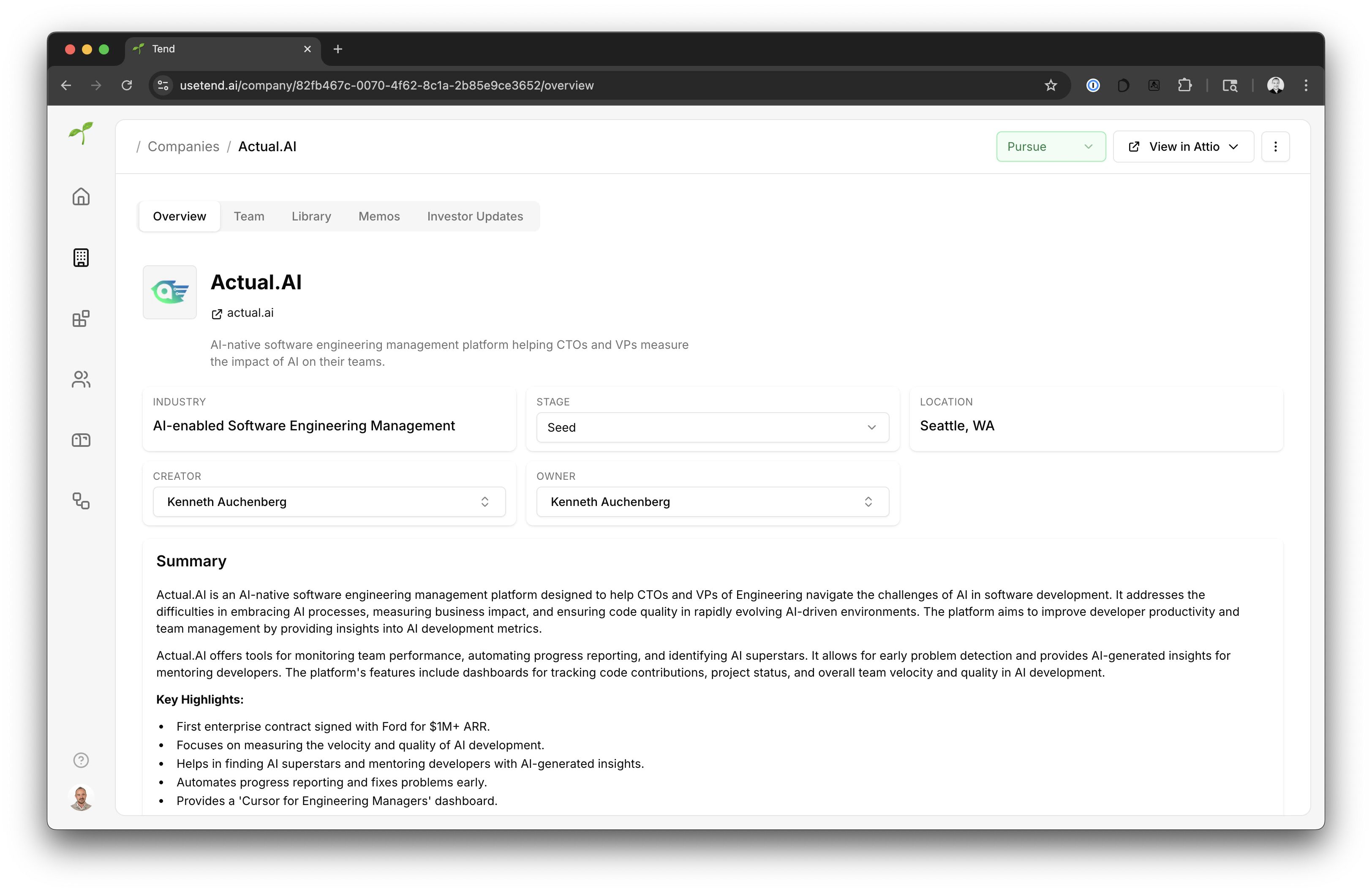
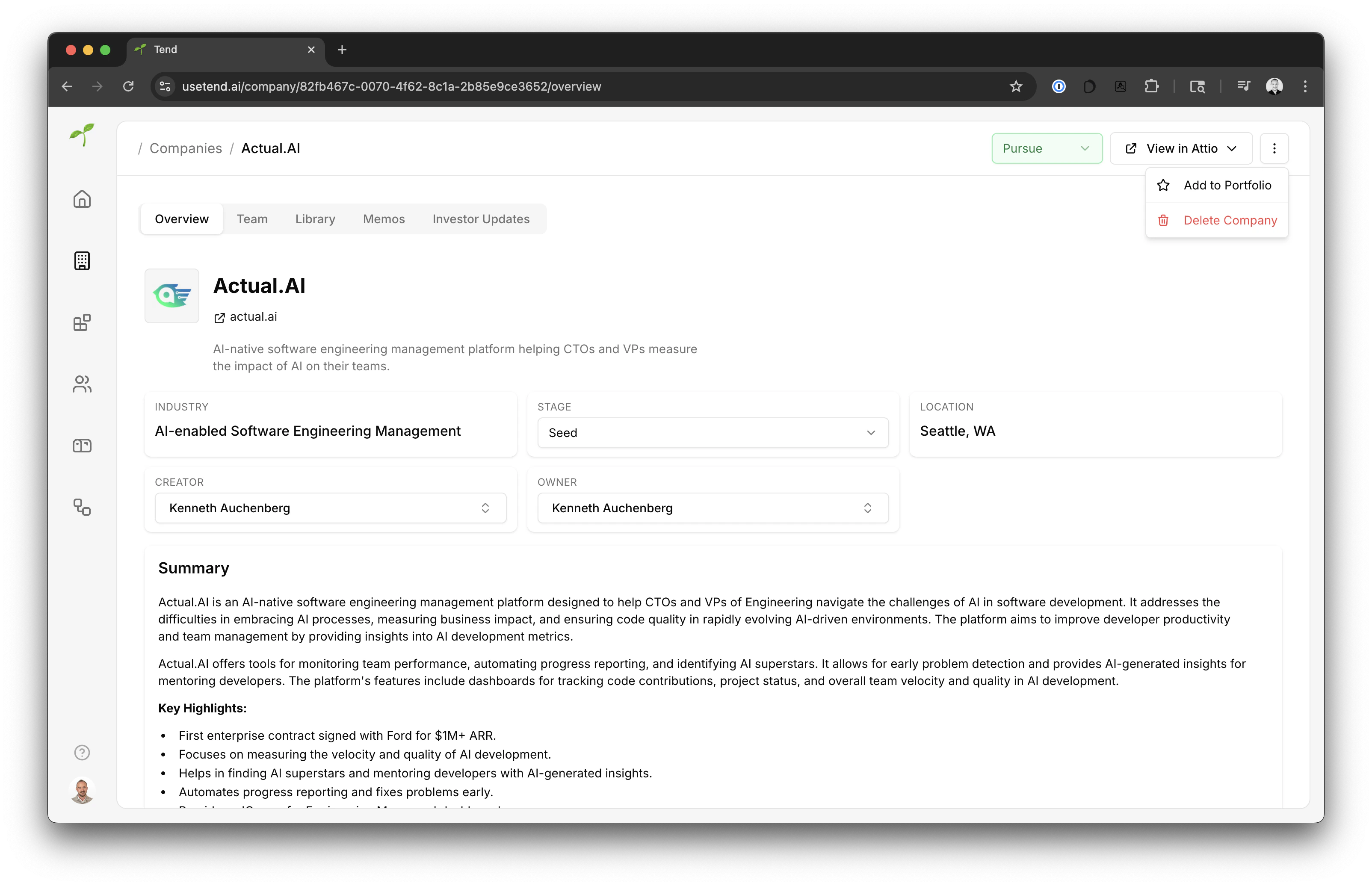
Add a company your portfolio
To add a cmopany to your portfolio simply click theAdd to portfolio button in the dropdown menu in the top right corner of the dashboard.
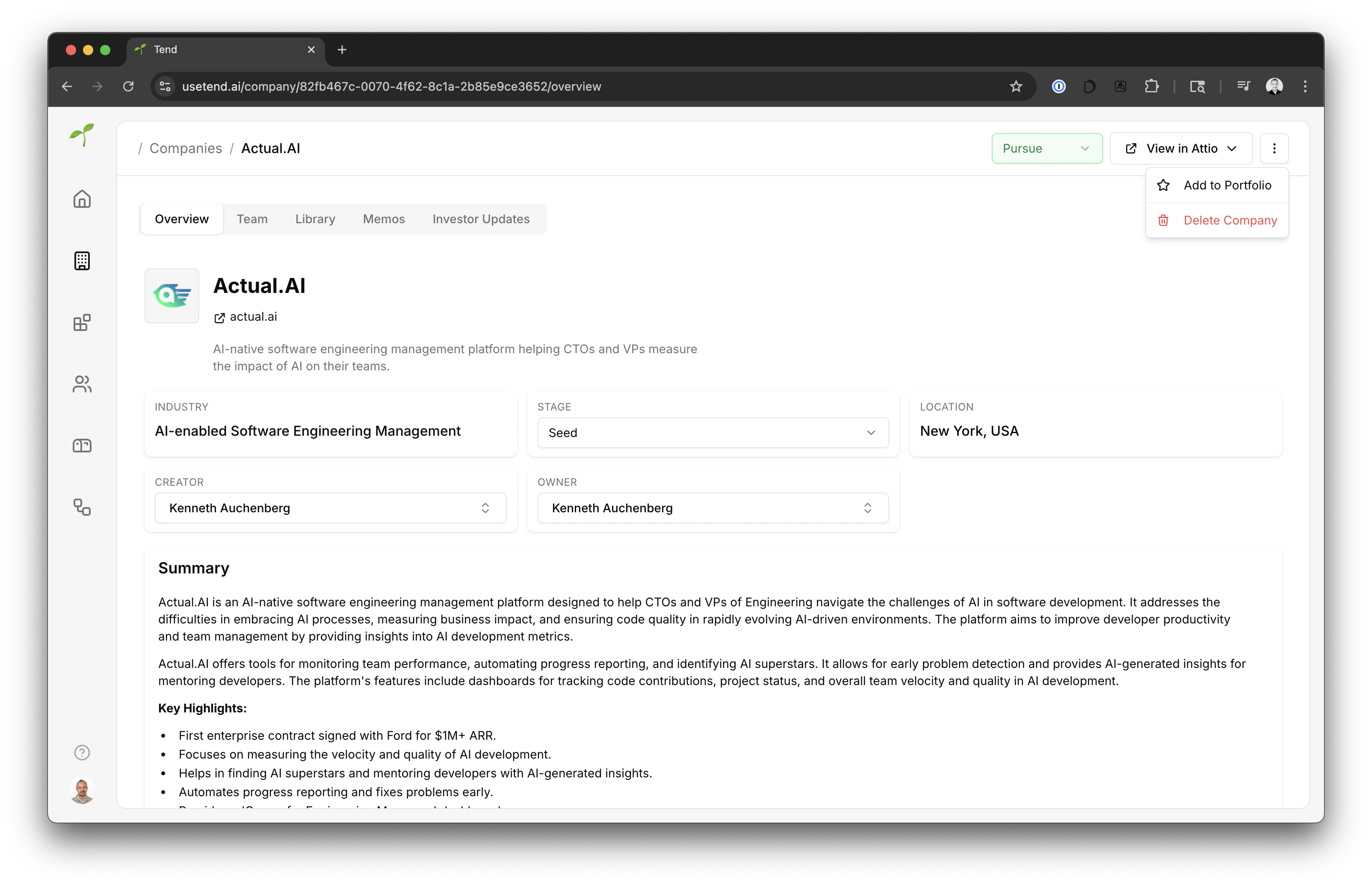
Remove a company from your portfolio
To add a company to your portfolio simply click theRemove from portfolio in the dropdown menu in the top right corner of the dashboard.